
Little Wat
A downloadable game for Windows
A cozy Thai temple builder.
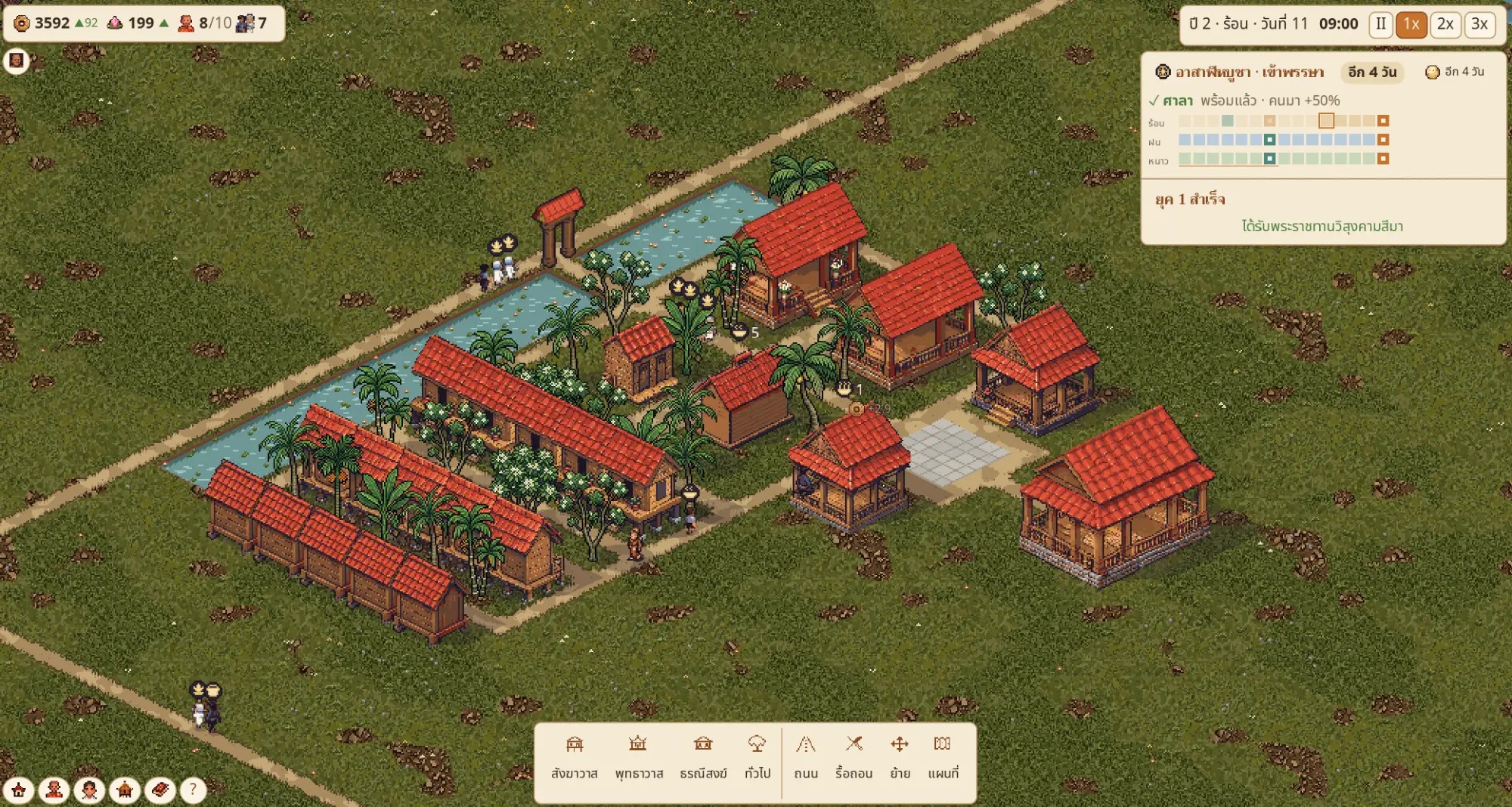
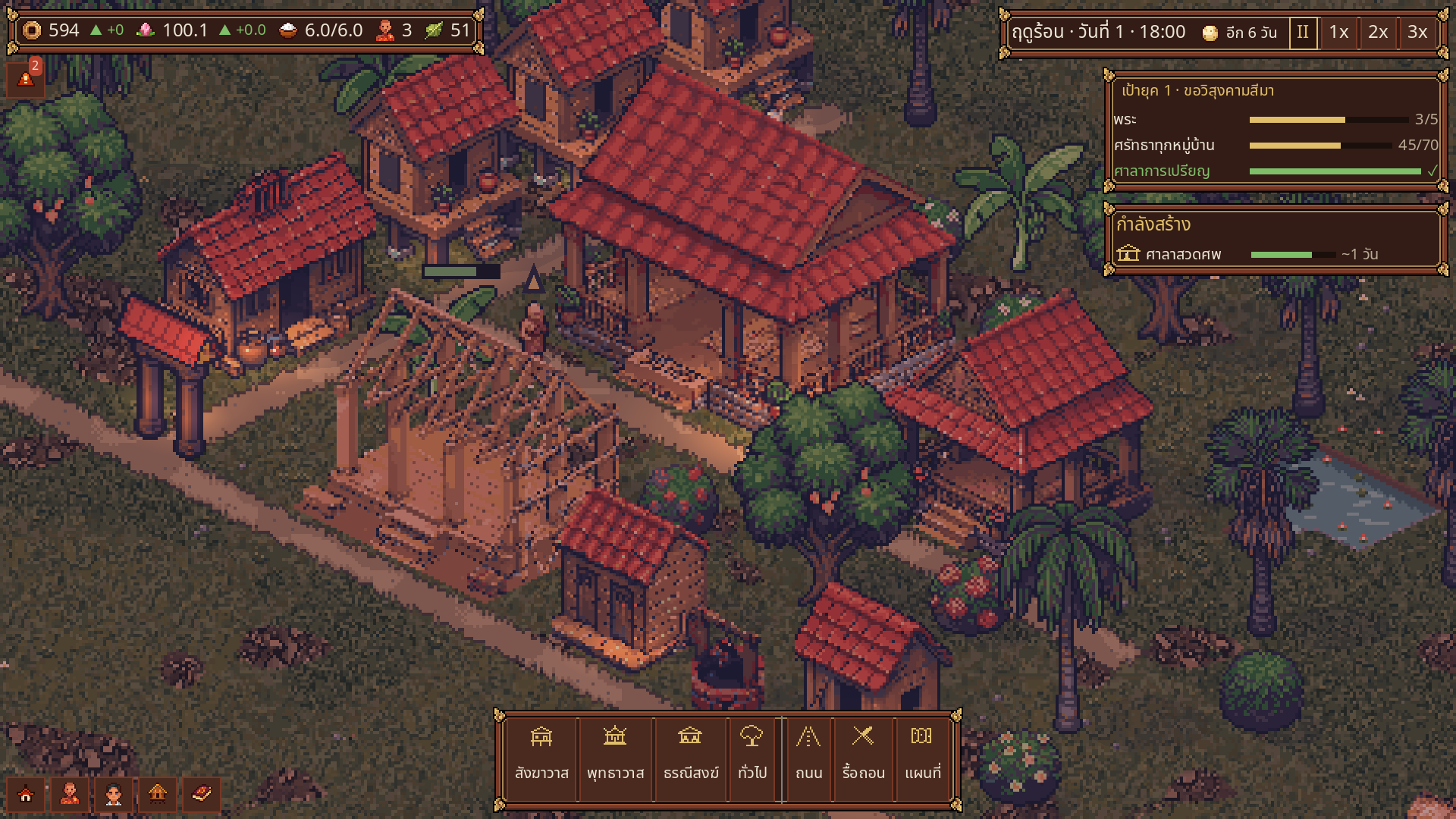
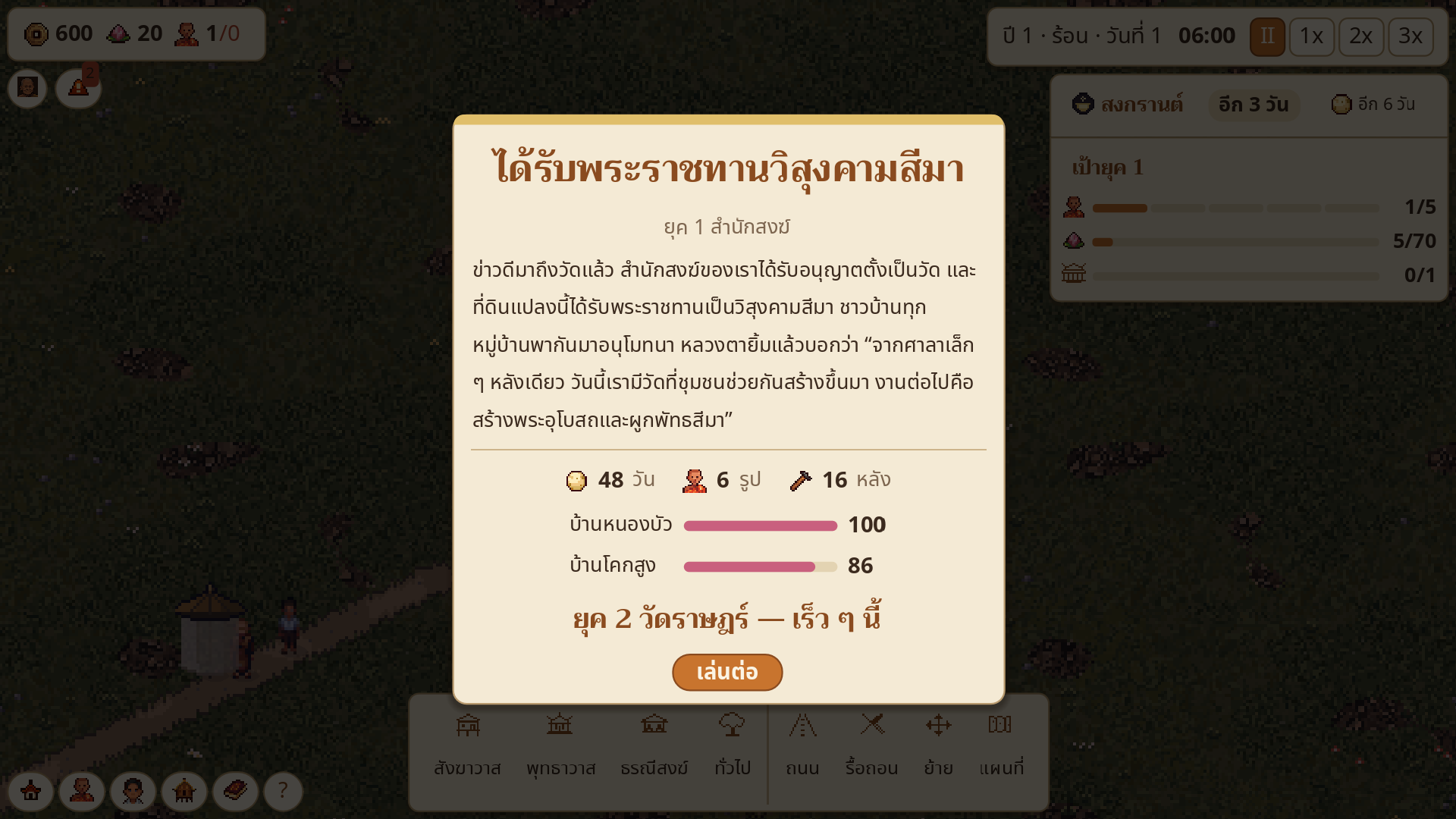
Start with one monk on a quiet riverside plot. Build kutis, salas and a kitchen with your temple boys, send monks on the morning alms round, and care for the villages around you — until your little wat earns its royal land grant.
🛕 What's in the demo (Era 1, about 1 hour)
• Build and arrange your temple — every building has a purpose for monks or villagers
• Monks with their own names and talents; new monks ask to stay for the rains
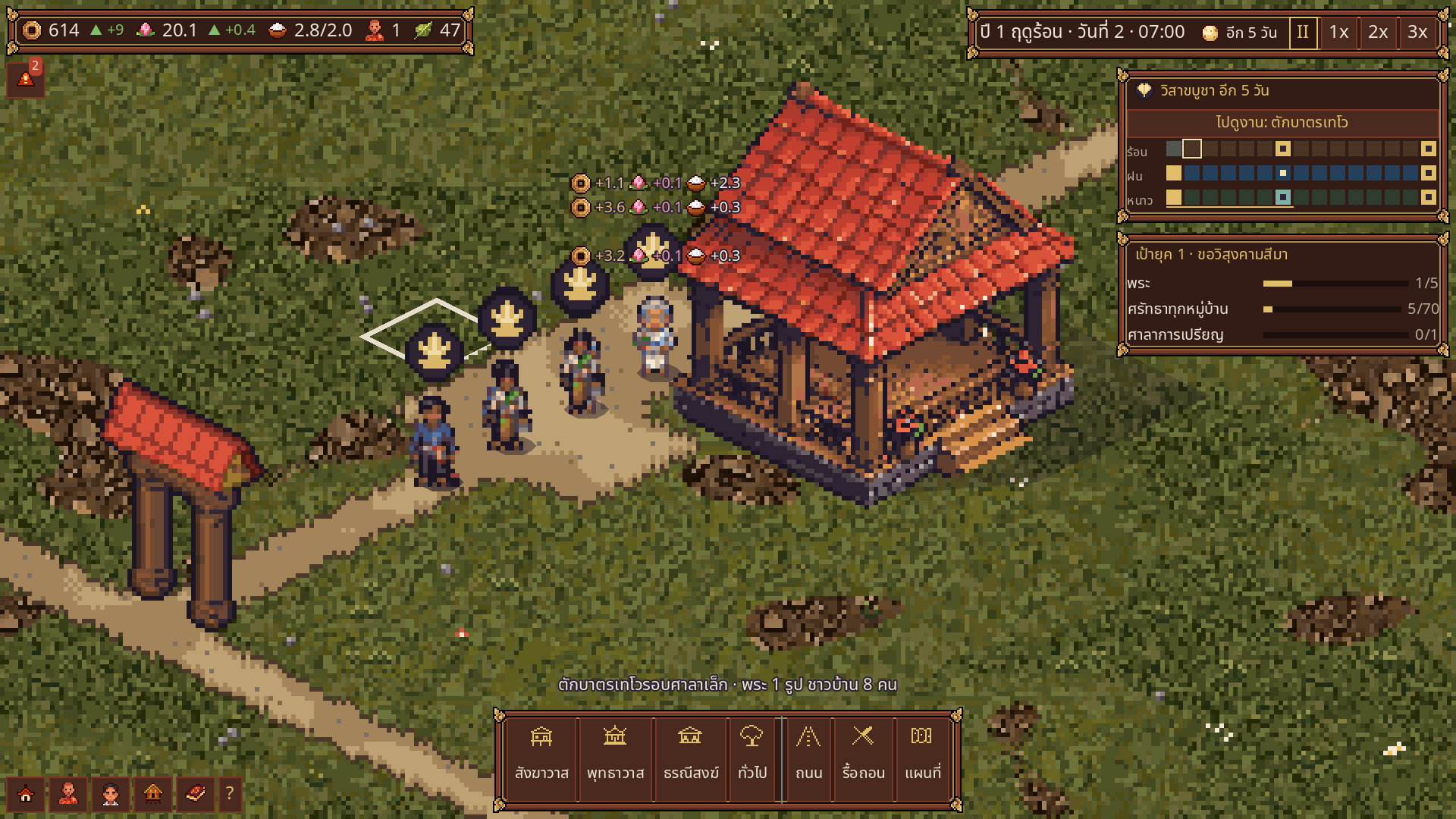
• Morning alms rounds — food comes only from the community
• Faith grows by caring for each village, not by money
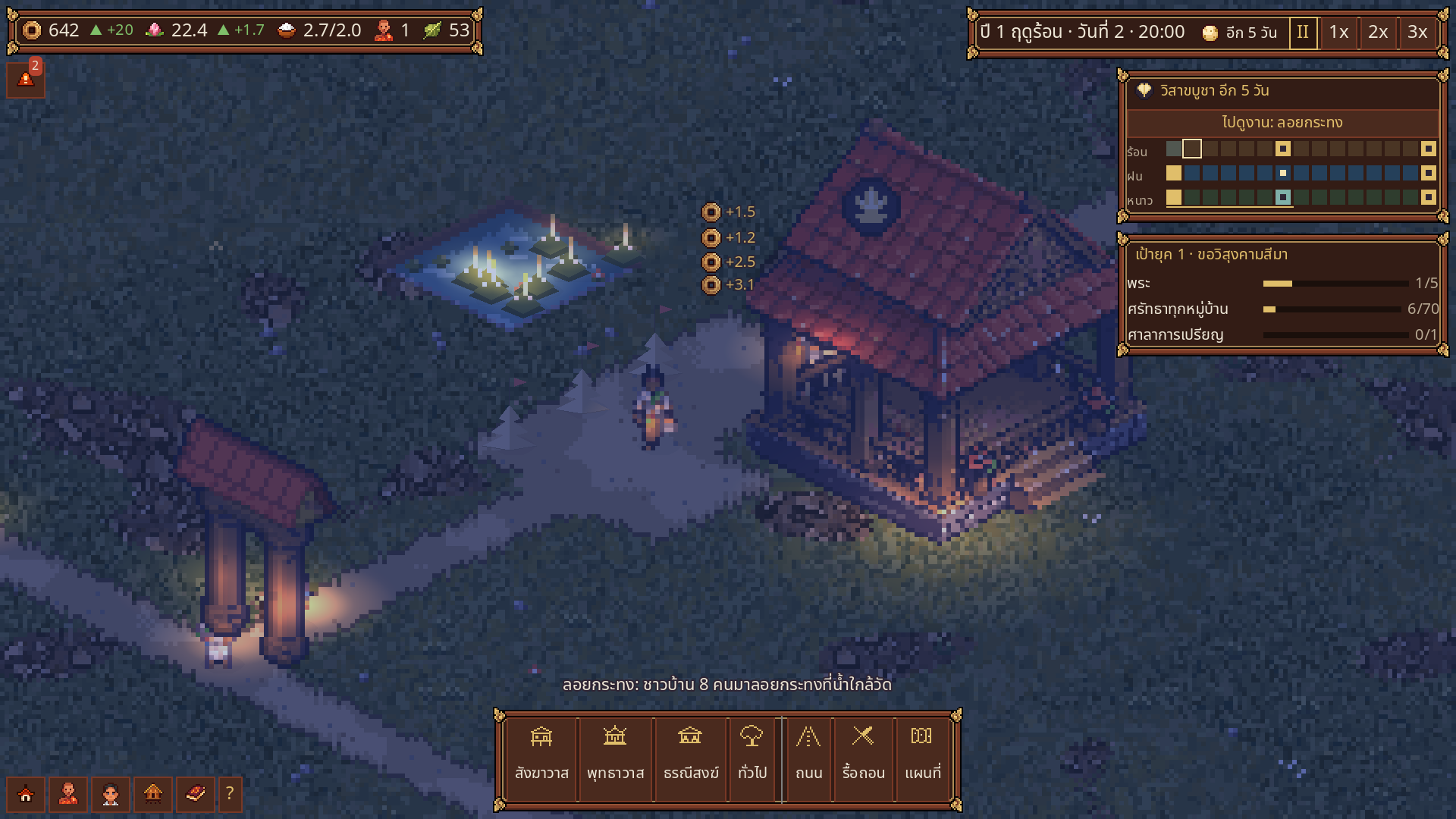
• A Thai year with 9 merit-making festivals: Songkran, Visakha Bucha, Loy Krathong and more
• Floods, droughts, wandering monks and other surprises
• Luang Ta teaches you as you play
• Thai and English
💻 Windows 10/11 64-bit · OpenGL 3.3 or DirectX 11 graphics · 4 GB RAM
Unzip and run LittleWat.exe. If Windows shows "Windows protected your PC", click "More info" → "Run anyway" (the game is not code-signed yet).
🐞 Found a bug? Use the "Report a bug" button in the game menu — it sends us your message directly.
🤖 Made by one developer with AI tools: art (PixelLab), music and sound (ElevenLabs) and code/text (Claude), all chosen and edited by hand.
────────────
เกมสร้างวัดไทยแบบ cozy
เริ่มจากพระรูปเดียวบนที่ดินริมน้ำ สร้างกุฏิ ศาลา โรงครัว ด้วยแรงเด็กวัด ส่งพระออกบิณฑบาตทุกเช้า ดูแลหมู่บ้านรอบวัด จนได้รับพระราชทานวิสุงคามสีมา
เดโมเล่นได้ยุคแรก (ราว 1 ชั่วโมง) · ภาษาไทยและอังกฤษ
แตกไฟล์ zip แล้วเปิด LittleWat.exe · ถ้าขึ้น "Windows protected your PC" กด "ข้อมูลเพิ่มเติม" → "เรียกใช้ต่อไป"
เจอบั๊ก กดปุ่ม "แจ้งบั๊ก" ในเมนูเกมได้เลย
เพจ Facebook: https://www.facebook.com/profile.php?id=61595447520313
YouTube: https://www.youtube.com/@Hello.datgame
Download
Install instructions
1. Unzip LittleWat_0.1.0_Windows.zip (right-click → Extract All).
2. Open the folder and run LittleWat.exe. No installer, no admin rights needed.
3. If Windows shows "Windows protected your PC", click "More info" → "Run anyway". The game is not code-signed yet.
4. Your save is kept in %APPDATA%\LittleWat — deleting the game folder does not delete your save.
1. แตกไฟล์ zip (คลิกขวา → แตกไฟล์ทั้งหมด)
2. เปิดโฟลเดอร์ แล้วดับเบิลคลิก LittleWat.exe ไม่ต้องติดตั้ง
3. ถ้าขึ้น "Windows protected your PC" กด "ข้อมูลเพิ่มเติม" → "เรียกใช้ต่อไป"
4. เซฟเก็บอยู่ที่ %APPDATA%\LittleWat ลบโฟลเดอร์เกมแล้วเซฟยังอยู่
Needs: Windows 10/11 64-bit · OpenGL 3.3 or DirectX 11 graphics · 4 GB RAM
Leave a comment
Log in with itch.io to leave a comment.